

AI Copilot Control Center
Designing a supervision layer for enterprise AI
View Live PrototypeRoleUX Designer
Timeline10 Weeks
PlatformDesktop website
ScopeResearch → Strategy → Workflow → UI Direction

The AI Assistant That Users Could Not Fully Trust
AI copilots are quickly becoming part of everyday work. They can draft emails, summarize documents, analyze internal data, schedule meetings, generate reports, and complete multi-step workflows across productivity tools. But as AI became more capable, the experience created a new problem: users did not feel fully in control.
The existing AI copilot experience gave users powerful outputs, but weak supervision. Users could ask AI to complete tasks, but they did not always understand what the AI was doing in the background, what data it accessed, why it made a decision, or how to reverse a mistake after execution. This created hesitation at the exact moment where AI was supposed to build confidence and speed.
Design Challenge
How might we design an AI Copilot Control Center that gives users visibility, approval control, permission management, and recovery options so they can confidently delegate work to AI?
This Was Not A Dashboard Cleanup. It Was A Trust And Control Problem.
For enterprise users, AI is not just generating text. It may touch sensitive information, coordinate with teams, schedule meetings, and produce communication that affects real business outcomes. When users cannot understand or control AI actions, trust breaks quickly.
Lowered confidence
Users hesitated to delegate meaningful work because AI actions, progress, and output safety were unclear.
Reduced adoption
Users avoided AI after early mistakes, showing the feature worked but didn't feel safe to trust.
Higher business risk
Unclear AI actions can cause miscommunication, compliance risk, scheduling errors, support load, and loss of trust.
A Focused Process, Sequenced To Identify Trust Failures
The project began by studying the existing AI copilot concept and identifying where users lose confidence during AI-assisted work. I then reviewed competitive AI products, analyzed survey findings, tested early supervision tasks, and translated the strongest evidence into a sharper product strategy.
Discovery
01
Problem Framing
Define why users hesitate to trust AI execution
Evaluation
02
Competitive Analysis
Identify gaps in current AI supervision patterns
Research
03
Conversation Synthesis
Understand user expectations around control and trust
Synthesis
04
Design Strategy
Prioritize the most important control mechanisms
Validation
05
Design Direction
Structure around supervision, approval, and recovery.
Existing AI Tools Are Strong At Generation, Weaker At Supervision.
I reviewed patterns across AI productivity and enterprise tools, including Microsoft Copilot, Google Workspace AI, Notion AI, ChatGPT Enterprise, and Slack AI. The strongest products made it easy to ask AI for help. The weaker area was what happened after AI started acting across tools.
Area Reviewed
Observation
Product Opportunity
Action history
Most tools show chat history, but not structured logs tied to executed AI behavior
Create a dedicated activity log for AI actions.
Undo
Undo works inside documents. It is not reliable for multi-step AI actions.
Make recovery a core part of the workflow.
Permissions
Data access and tool permissions are often hidden. They sit in settings or admin panels.
Attention prompts become stronger as risk increases
Confidence
Confidence scores are often shown without enough context.
Explain confidence using sources, uncertainty, and reasoning.
Governance
Most AI tools do not have a clear user-facing control layer.
Create a central control center for AI activity.
Users Wanted AI Help, But Not Uncontrolled AI Action
The research showed that users were not against AI. They were against AI acting without clear visibility, approval, or recovery.
Activity visibility
84%
users wanted one clear place to monitor AI actions.
Undo & Recovery
78%
users trusted AI more when actions could be reversed.
Permission transparency
73%
users wanted plain-language visibility into AI data access.
Review before execution
71%
users wanted review gates before high-impact AI actions.
Adoption risk
67%
users disabled AI features after early mistakes.
Confidence confusion
61%
users needed explanation behind AI confidence scores.
The biggest trust failures centered on four product gaps: visibility, control, permissions, and recovery. These were not surface-level UI problems; they revealed where users felt AI systems became unclear, risky, or hard to correct.
Visibility of AI activity
Users could not easily see what AI was doing in the background or what actions had already been completed.
High SeverityUser control and approval
Risky actions could feel too automated. Users wanted review before AI sent messages, changed schedules, or acted on sensitive information.
High SeverityPermission clarity
Users lacked a simple way to understand what AI could access across email, calendar, documents, meetings, and internal data.
High SeverityUndo and recovery
Users could not consistently reverse AI actions or understand what recovery was possible after a mistake.
High SeverityFive Priorities. One Lens: Make AI Safe Enough To Delegate To.
Based on the research, I defined five design priorities ordered by impact. The goal was not to add more AI features. The goal was to make existing AI capability more trustworthy, controllable, and accountable.
AI activity visibility
Users need one place to see running, completed, pending, failed, and blocked AI actions.
Risk-based approvals
Low-risk AI actions should remain fast, but high-impact actions need explicit review before execution.
Permission transparency
Users need clear control over what AI can access and what it is allowed to do across work tools.
Undo and recovery
Mistakes need visible recovery paths, including undo when possible and guided correction when full reversal is not possible.
Explainable confidence
Confidence should be explained through source quality, uncertainty, and reasoning instead of being shown as a vague score.
From AI Assistant To AI Control Center
The original product idea was a centralized dashboard for AI actions. I reframed it into a supervision system that helps users see what AI is doing, review important actions before they happen, approve or reject decisions, and recover from mistakes when something goes wrong.
Final Workflow Model :
Request
Plan
Review
The user gives AI a task.
AI creates a visible plan.
The system checks risk, permissions, & confidence.
Recover
Execute
Approve
The user can undo or recover when possible.
AI executes approved work.
The user reviews sensitive or high-impact actions.
Recover
The system keeps a clear activity record.
This turns the AI copilot from a black-box assistant into a supervised work system.
Let the Structure Lead Before the Interface Speaks
Low-fidelity exploration focused on the core supervision surfaces rather than visual styling. The goal was to validate whether users could understand AI status, review risky actions, find permissions, and recover from mistakes without digging through multiple areas.
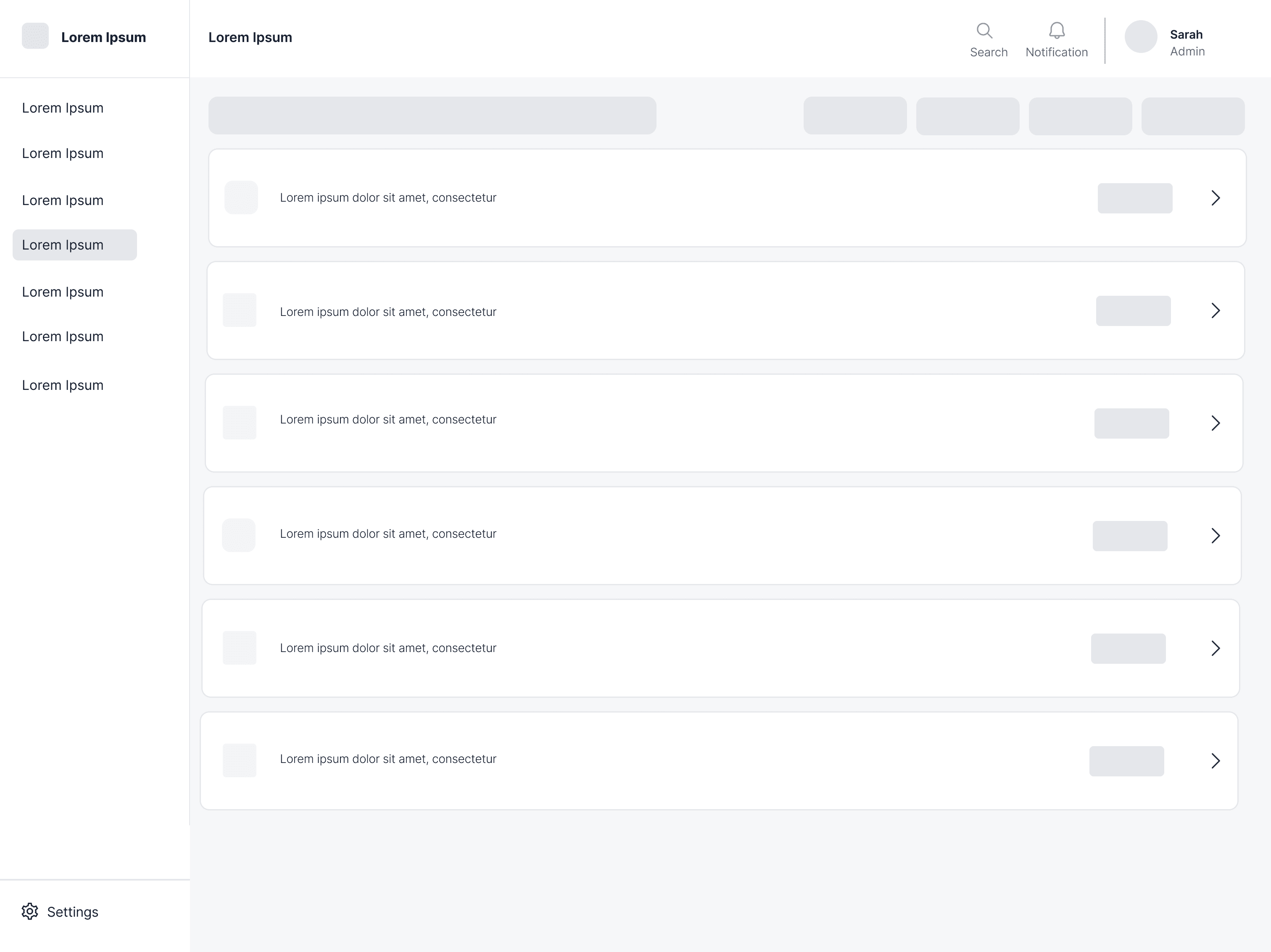
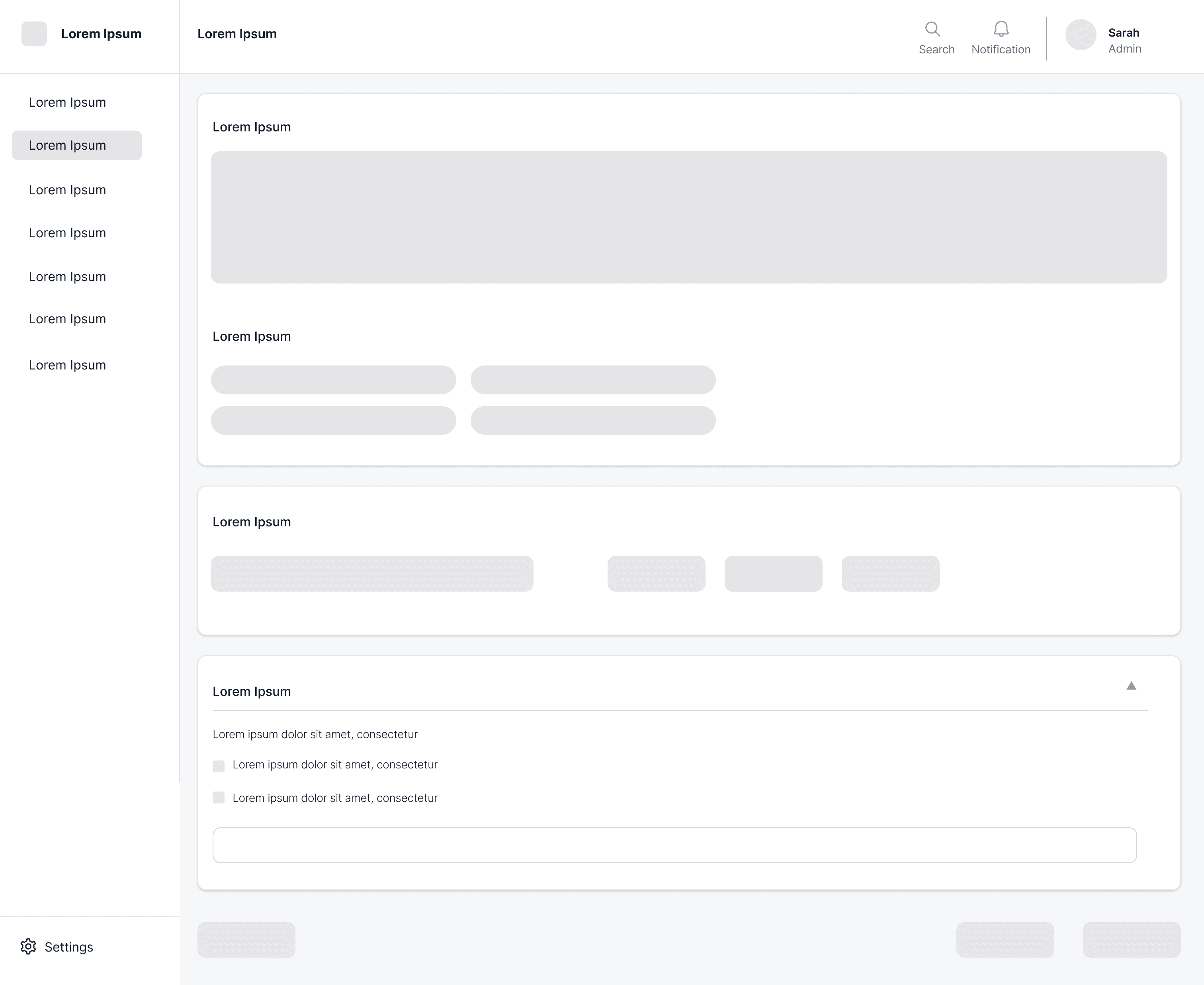
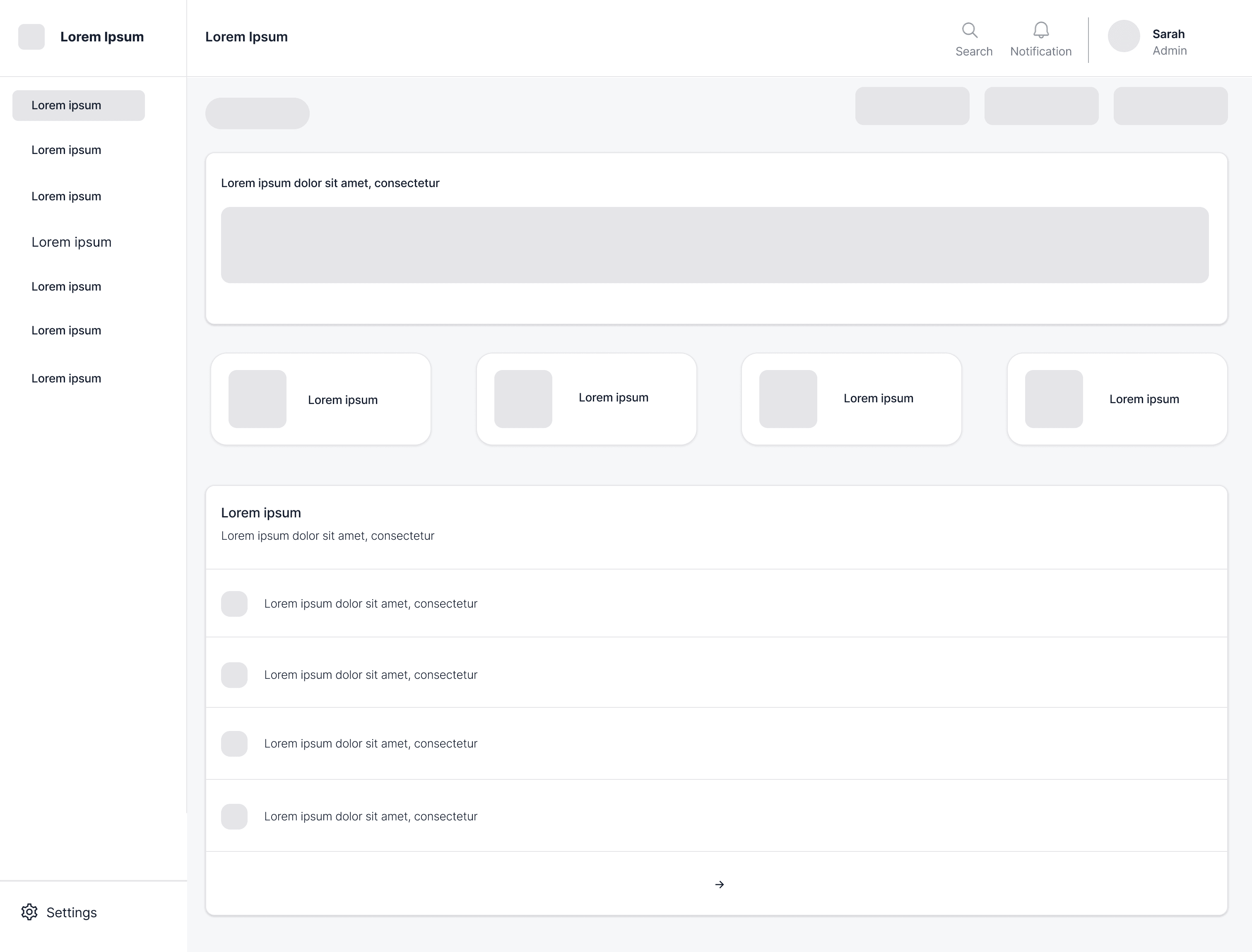
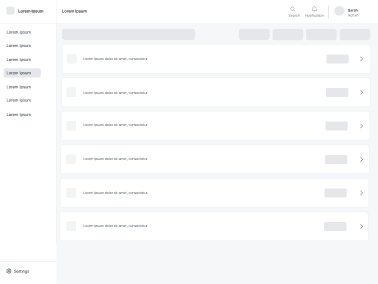
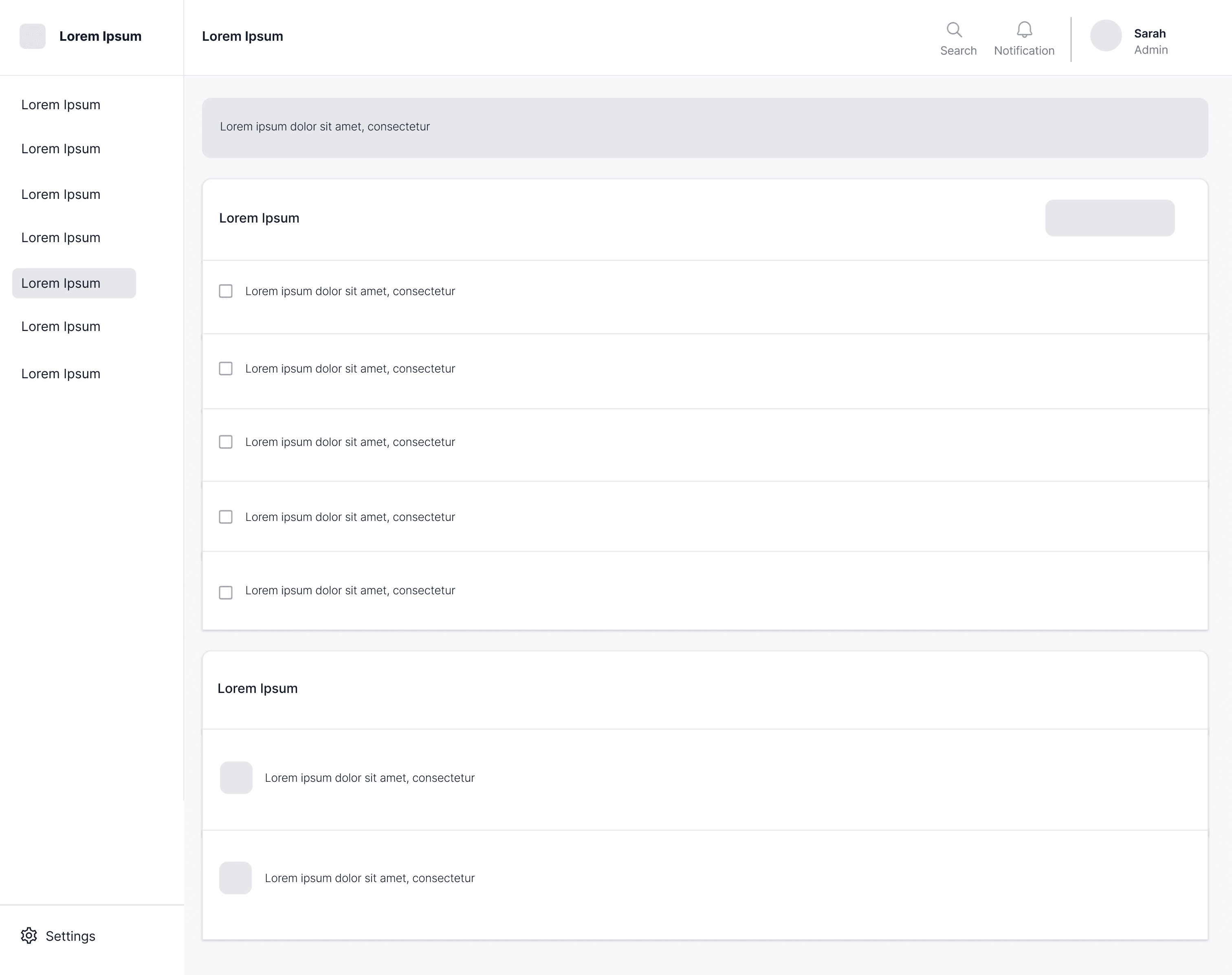
A Supervision System That Makes AI Actions Visible, Reviewable, Controllable, And Recoverable.
The final design focuses on one main problem: users need to know what the AI is doing, what it needs approval for, what it can access, and how they can fix mistakes. This was not designed as a normal dashboard. It was designed as a control center where users can supervise AI work before, during, and after it happens.
Agent Overview : A Quick View Of What The AI Is Doing
The Agent Overview gives users a simple summary of AI activity. Users can see what the AI is working on, what needs approval, and what actions were recently completed. This screen helps users feel more in control because they do not have to guess what the AI is doing in the background. It also shows pending approvals clearly, such as a data export request, so users can stop and review risky actions before they happen.

Goal Setting : Turning User Intent Into A Clear AI Task
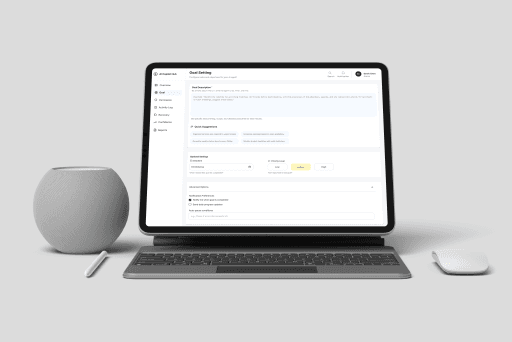
The Goal Setting screen helps users define what they want the AI to do before the AI starts working. Instead of giving the AI a vague instruction, users can set a clear goal, choose the right context, and understand what the AI will try to complete. This makes the task easier to review later because the AI action starts with a clear purpose. This screen also helps show how a user request becomes a planned AI action that can later be reviewed, approved, changed, or rejected.
Permissions & Rules : Clear Control Over What AI Can Access
The Permissions & Rules screen gives users one place to manage what the AI is allowed to use. Users can control access to email, calendar, documents, data export, and connected tools. The screen also includes rules for risky actions, such as asking for approval before sending emails or creating large calendar invites. This makes permissions easier to understand because users can see both what the AI can access and what limits are in place.

Activity Timeline : A Clear History Of AI Actions
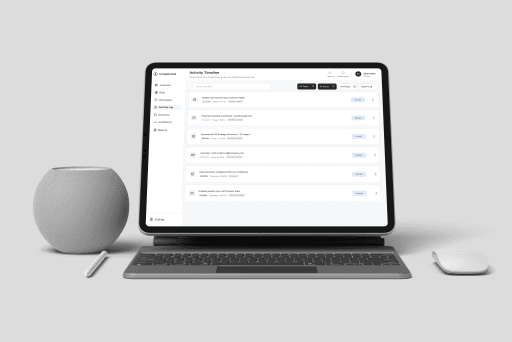
The Activity Timeline shows AI work as a list of actions, not as a chat history. This makes it easier for users to understand what actually happened. Users can see completed actions, pending actions, canceled actions, warnings, and actions waiting for approval. This helps users track AI work over time and quickly find past actions using search, filters, status labels, and details buttons.
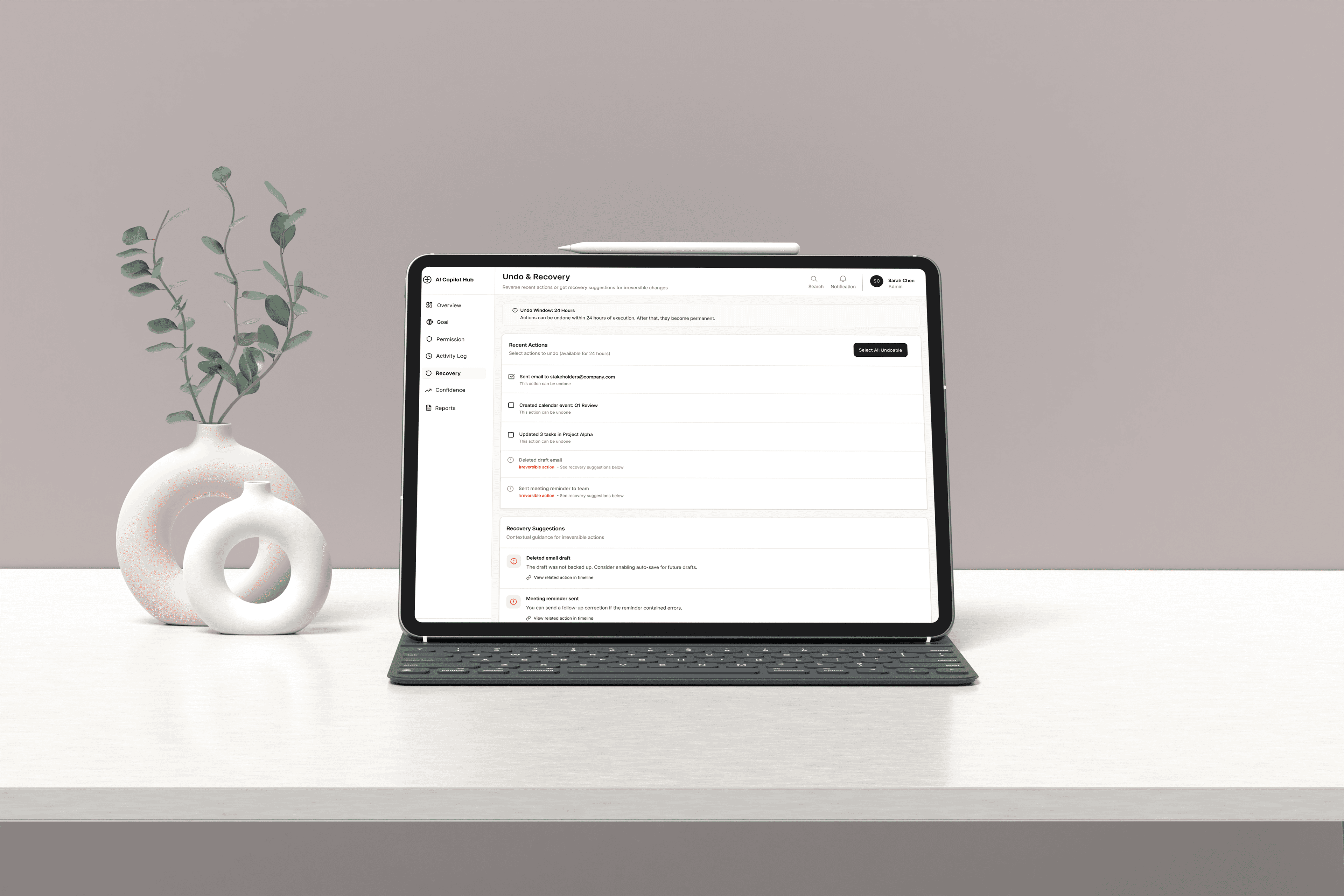
Undo & Recovery : Making AI Mistakes Easier To Fix
The Undo & Recovery screen helps users fix mistakes after the AI takes action. Users can see which actions can still be undone and which actions cannot be fully reversed. This is important because not every AI action can be undone. The design is honest about that. When a full undo is not possible, the screen gives recovery suggestions instead. This helps users feel safer using AI because they know there is a way to respond if something goes wrong.
CLEARER AI GOALS
The Goal Setting screen helped users define what they wanted the AI to do before it started working.
EASIER ACTIVITY TRACKING
The Activity Timeline made AI actions easier to follow, so users could see what was running, completed, waiting, or blocked.
BETTER USER CONTROL
The Permissions & Rules screen helped users control what the AI could access and when approval was needed.
SAFER MISTAKE RECOVERY
The Undo & Recovery screen made it clear which actions could be undone and what recovery options were available.
AI products do not build trust by looking smart. They build trust by giving users control. This project taught me that AI UX is not only about the final output. It is also about helping users define the goal, track the action, control access, and recover from mistakes. I also learned that trust has to be designed across the full workflow, not only at the moment when AI gives an answer. Users need clarity before the AI starts, visibility while it works, and recovery options after it acts. The strongest AI experience is not the one that hides complexity completely. It is the one that makes important decisions, risks, and controls easy to understand.
Next Project
Smart Driver AssistCoffee? Let's Build Something Thoughtful.
I’m open to conversations about product design, UX strategy, AI experiences, and teams building
work that genuinely helps people.
Radhika Sunil Autade
Phoenix, Arizona
© 2026 Radhika Sunil Autade. All rights reserved.